A complete system for developing effective GenAI users
GenAI has no manual. People learn to use it well by trying it on real work, failing, and trying again. This platform, which I designed with Mary Murphy of Equity Accelerator, builds the conditions for that into one system, at work and in college classes.
Fully specified; not yet built.
How it works
-
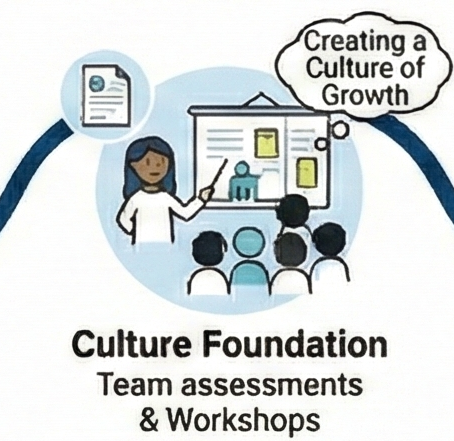
It starts with the culture
Managers and instructors go first. Drawing on Equity Accelerator's Cultures of Growth, built on Mary Murphy's research, they learn to lead a team or class where trying, failing, and trying again is safe and asking for help is normal. They also learn to use GenAI in their own work, so they understand what they are guiding others to do.
They get playbooks and a view of how the team or class is doing as a whole. What each person tells the coach stays private.
-
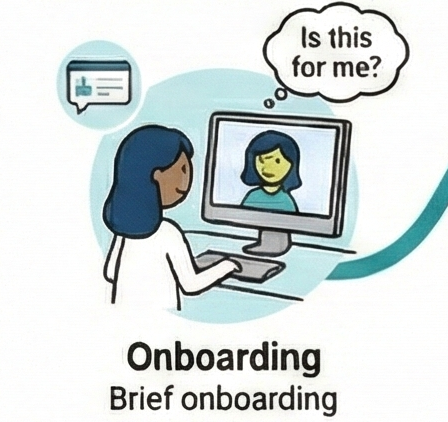
It learns where each person starts
Each employee or student begins with a short intake survey: what they believe about GenAI and about their own ability to learn it, what worries them, and what they already know and have done with it. The coaching fits that starting point.
-
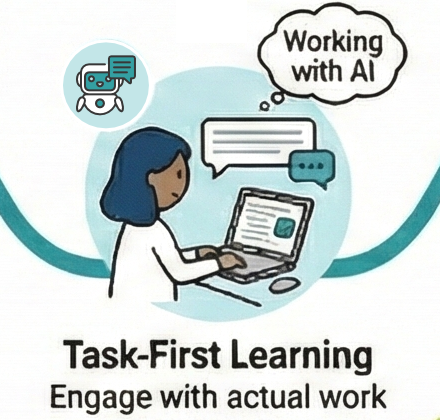
Each week, one real task
The learning happens on work that has to get done anyway.
- 1
List the week's tasks.
- 2
Pick one to learn GenAI on, and say why that one and not the others. Short lessons come right at this choice: what GenAI does well, what it does poorly, and when a person or GenAI would do about as well.
- 3
Do the task with guidance on what to hand to GenAI, what to keep, and what to check, with help when stuck.
- 1
-
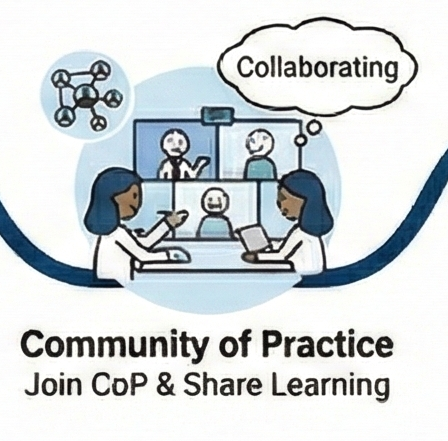
Share what worked and what didn't
Everyone takes part in a community of practice, managers and instructors as well as employees and students. People share what worked and what didn't, failures included, so everyone learns from both.
-
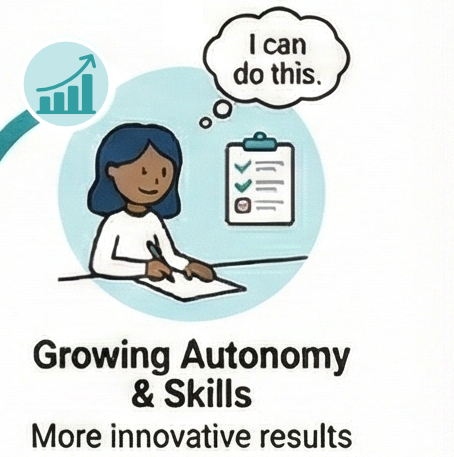
It grows with them
Each new task sits just beyond what the person can do now, so they keep growing, and over time they take on more on their own.
-
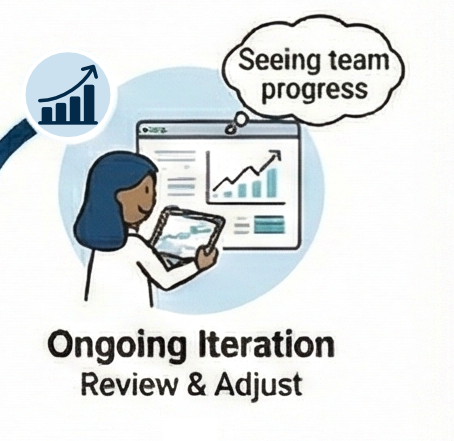
It keeps learning what works
The lessons and guidance can be changed at any time. Measures built in by researchers show what is working and what is not. Versions can be tested against each other (A/B testing), and the results feed back in, so the system keeps improving. The platform that teaches is also the research lab.
Leaders and learners use the same platform: culture change enables learning, and learning reinforces culture.